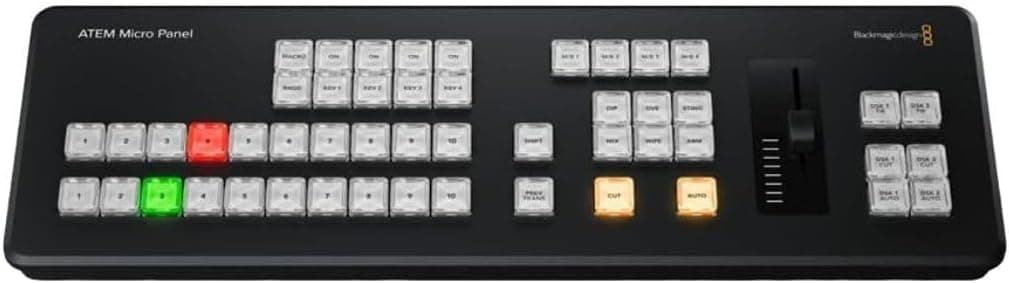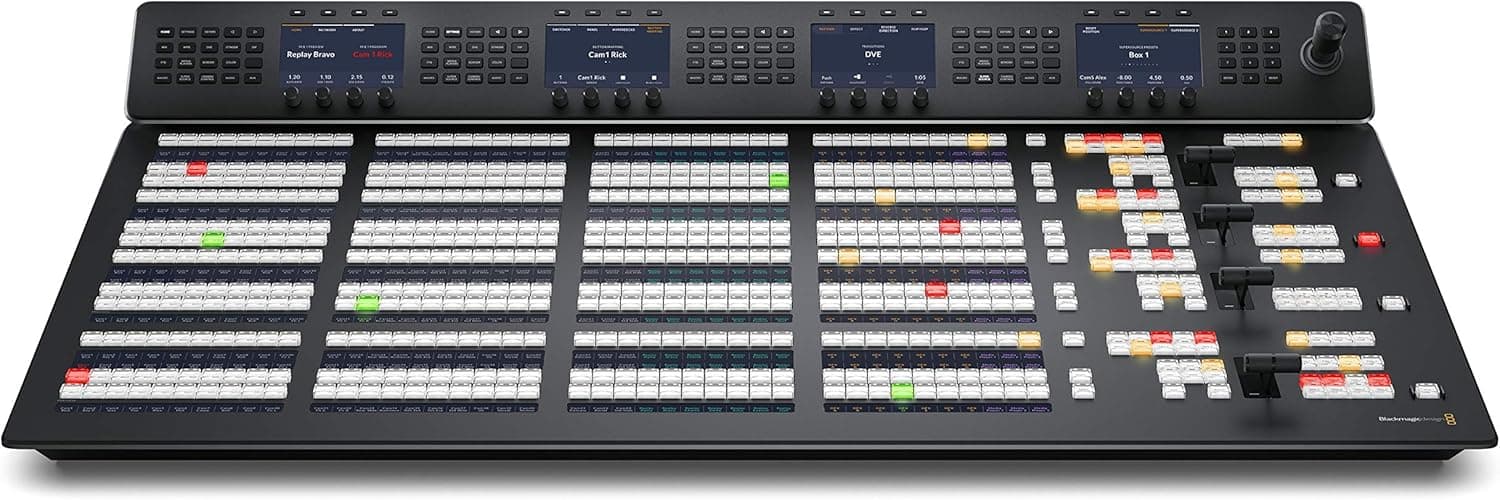
Blackmagic ATEM 1 M/E Advanced Panel
Blackmagic Design
You ever watch a TD work on one of these and realize… yeah, mouse and keyboard was never the move?
Live price + stock are on Amazon — the link below sends you to the real product page.
View on Amazon →Key features
- ◆Buttons where your hands expect them
- ◆T-bar that actually gives you control (not just a gimmick)
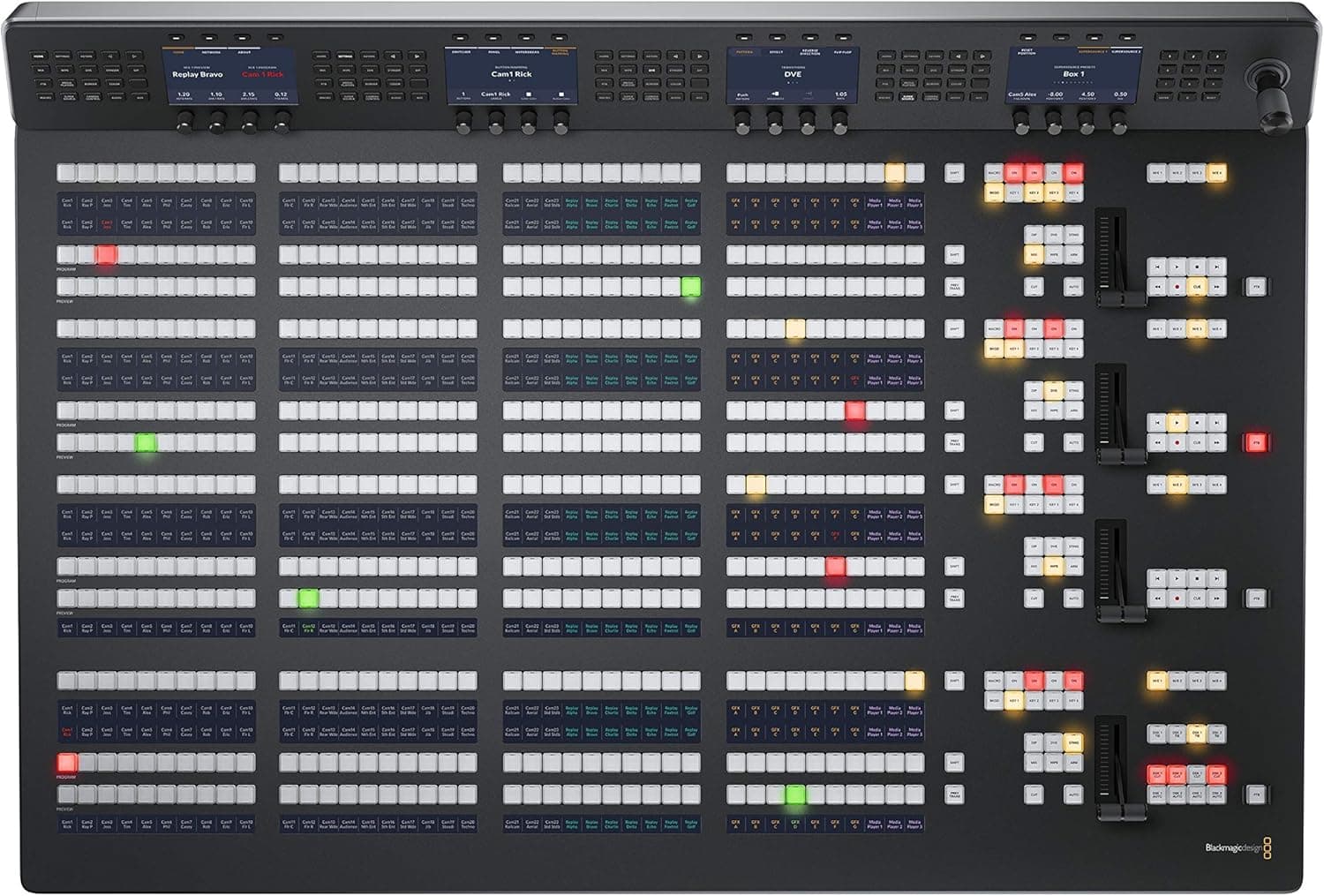
- ◆Dedicated rows so you’re not hunting for inputs mid-show
- ◆Everything happens faster — cuts, dissolves, keys
+Pros
- +Speed. Real Speed.
- +Muscle Memory Workflow
- +Built for Long Shows
- +Clean Layout
- +Makes You Better (Seriously)
−Cons
- −Price Hits Hard
- −Requires the Right Switcher
- −Takes Time to Learn Properly
- −Not Portable in Any Practical Sense
- −Overkill for Small Jobs
What it is
You ever watch a TD work on one of these and realize… yeah, mouse and keyboard was never the move?
The ATEM 1 M/E Advanced Panel isn’t just a controller — it’s the difference between operating a show and driving it. This is muscle memory, speed, and confidence all baked into one surface.
Our take
This is a career tool, not just a gear upgrade.
Where it shines:
- General sessions
- Broadcast-style productions
- Multi-camera shows with real pacing
- Any environment with a dedicated TD
Where it doesn’t:
- Solo operator gigs
- Small hybrid setups
- Quick deploy streaming kits
If you’re stepping into TD or high-level V1 roles, this is the kind of panel that separates you from the pack. It’s not about owning it — it’s about being fluent on it.
And once you are? You don’t want to go back.
The bottom line
Best For: Technical directors, large productions, control rooms
Not Ideal For: Small gigs, beginners, portable setups
Overall: A professional control surface that turns switching into a skill instead of a task.
Product photos
As an Amazon Associate we earn from qualifying purchases. Prices and availability shown are subject to change; the “Buy on Amazon” links go to the live product page.